Script Forge
Every fantasy world needs a script nobody can read.
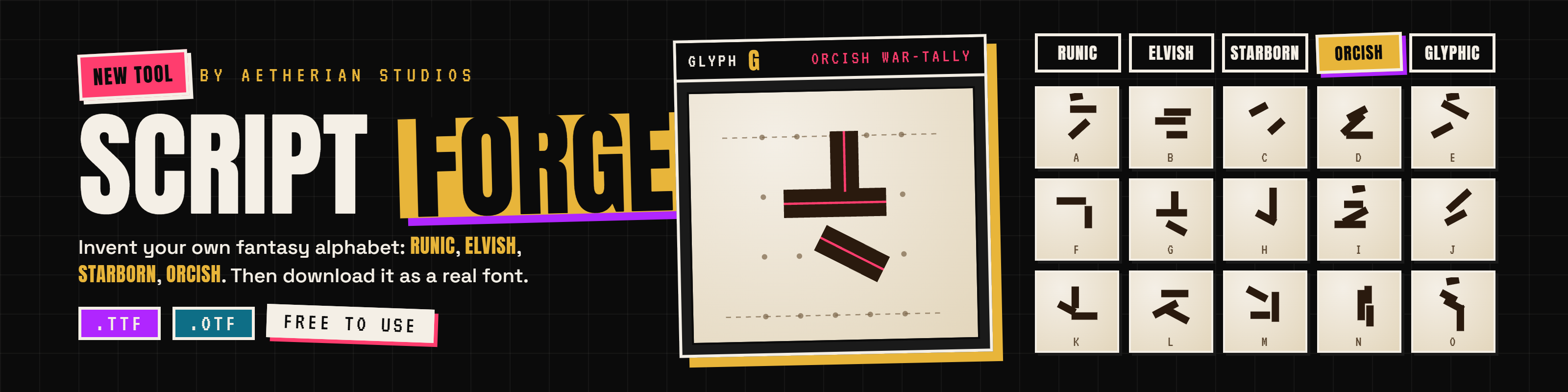
Script Forge lets you design a writing system for your world, letter by letter, then download it as a real font you can install and type with.
How it works
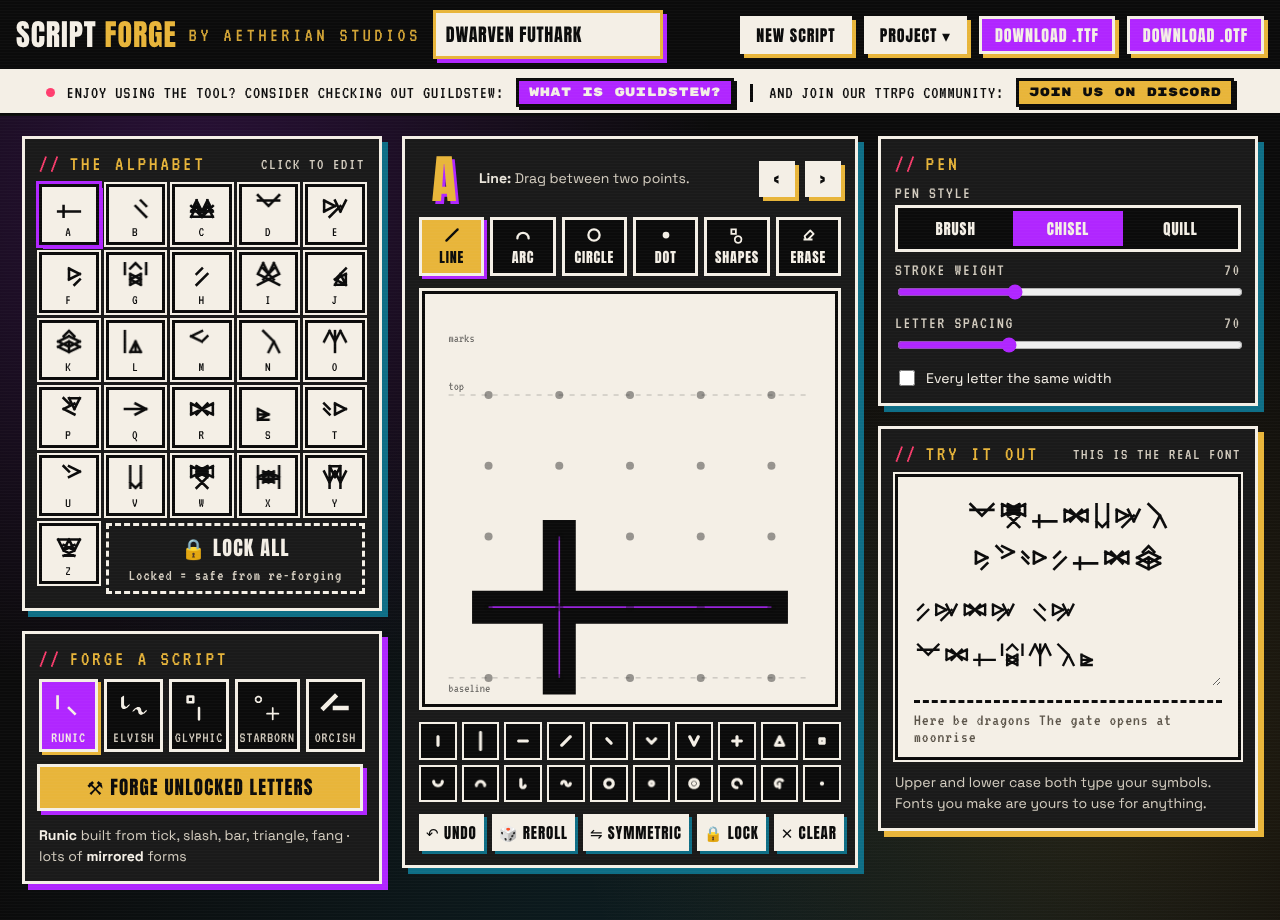
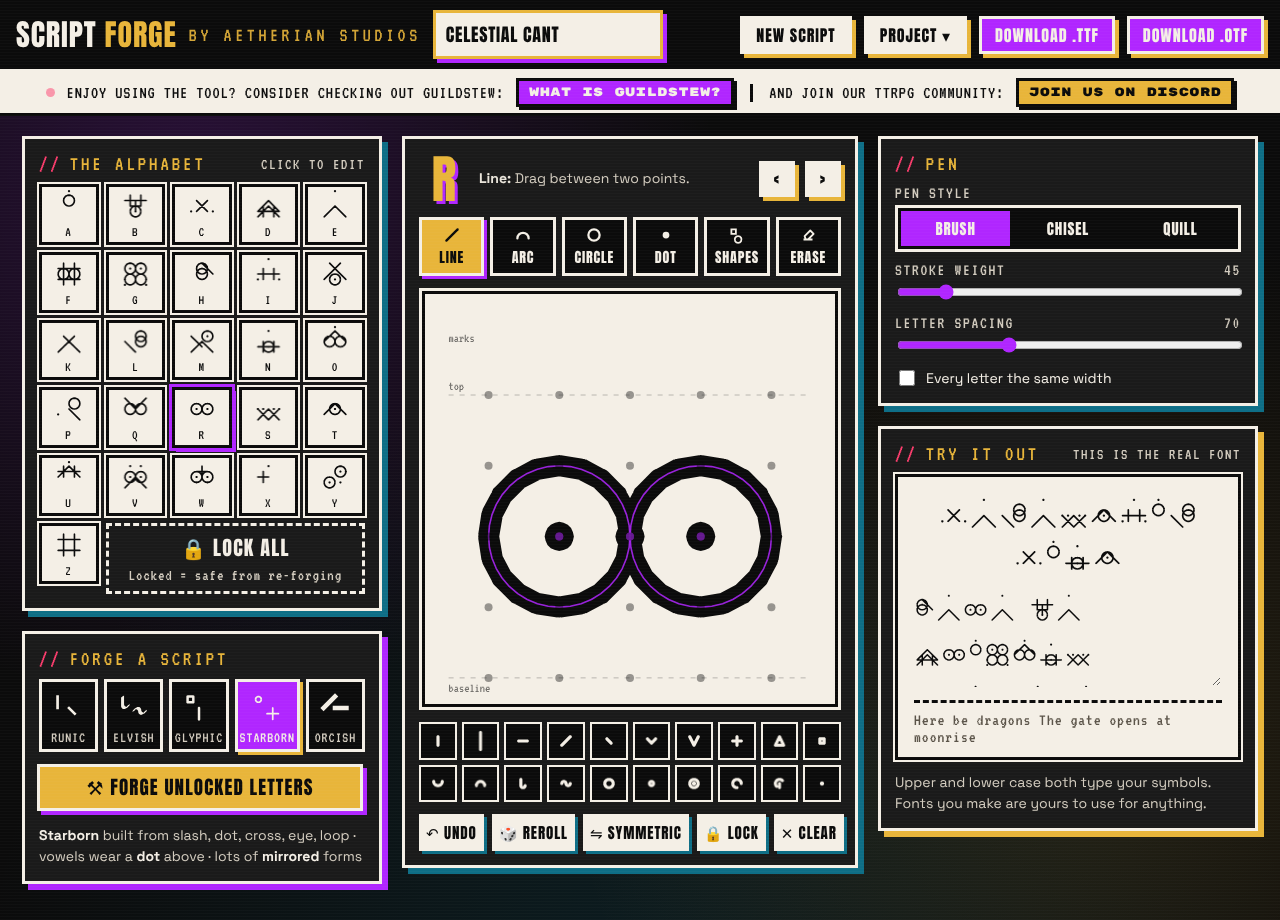
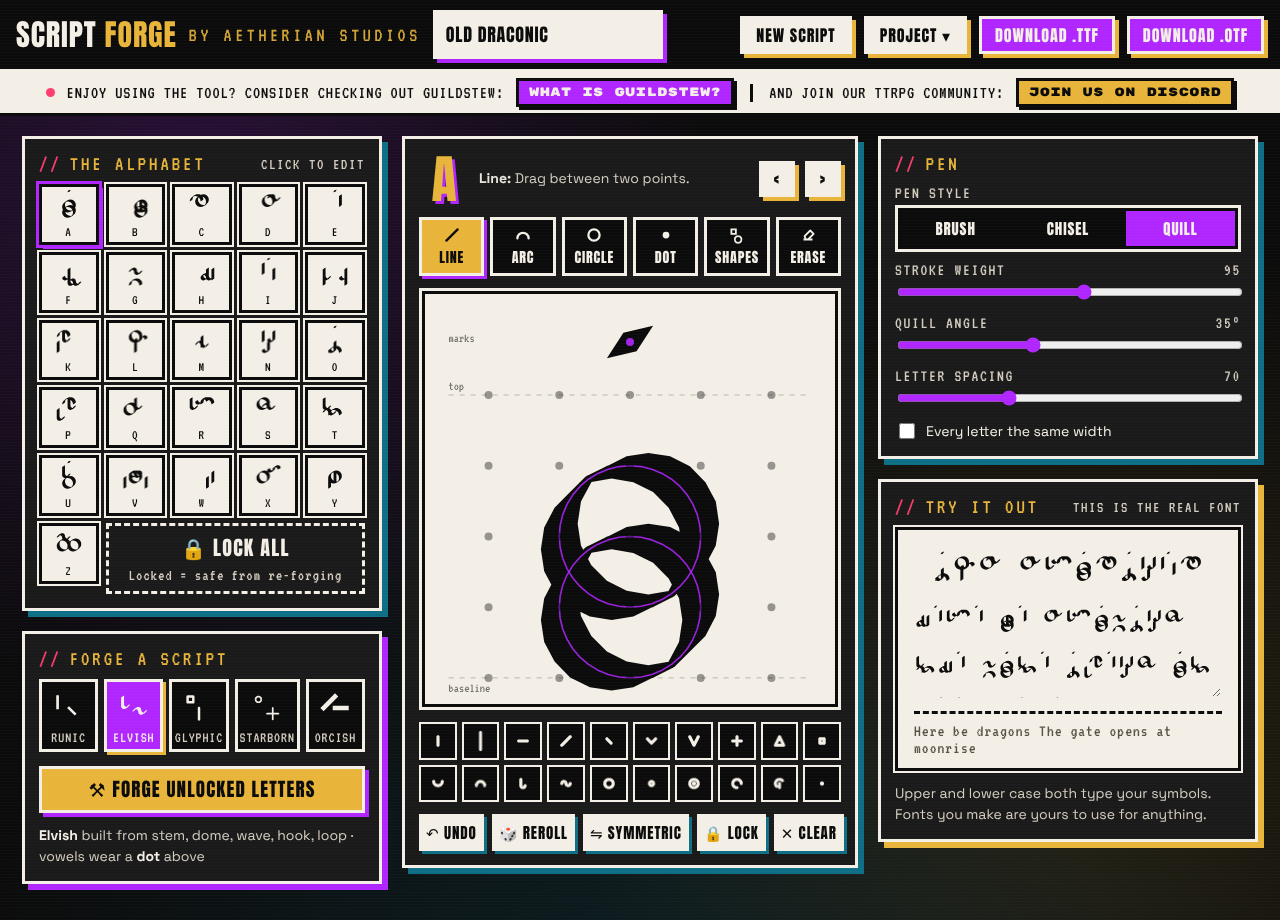
- Forge a script in one click. Pick a style (Runic, Elvish, Glyphic, Starborn or Orcish) and Script Forge writes a full A–Z alphabet that shares the same DNA, so it looks like one script, not 26 doodles.
- Make it yours. Lock the letters you love and reroll the rest. Redraw any letter on a 5×5 grid with lines, arcs, circles, dots and ready-made shapes.
- Choose your pen. Brush, chisel or quill, with adjustable weight and angle, so the same strokes can read as carved stone or ink.
- See it live. Type in the preview box and you're looking at the real font, not a mock-up.
- Download .ttf or .otf. Install it on your computer and use it in Word, Google Docs, Photoshop, Canva, your VTT handouts, your game, wherever.
Good for: secret messages for your players, signs and maps for your campaign, conlangs, book covers, game UI, prop letters and puzzles.
The fonts you make are yours. Use them for anything, personal or commercial. No credit needed (but we'd love to see what you make).
Tips
- The font maps both upper and lower case to your symbols, so you can just type normally.
- Save your project (Project ▾ → Save project) to keep working later or on another computer. Your work is also kept in your browser automatically.
- Download not starting? Some browsers block downloads inside embedded pages. Right-click the tool, choose Open frame in new tab, and download from there, or grab the offline version below.
Made by Aetherian Studios, the team behind Guildstew, a TTRPG companion for GMs and players. In Guildstew, the fonts you forge plug straight into your campaign's languages: write in Draconic, and only the players whose characters speak it can read it.
Quick test after uploading
- Open the page in Chrome and click Download .ttf. Does a file arrive?
- If yes, you're done.
- If no, the help note should appear. Check that "Open frame in new tab" works and that the offline file downloads.
- Repeat in Firefox and Safari.
- Install a downloaded .otf and type with it in any app.
Development log
- Screen Optimization Engaged5 days ago